Best WooCommerce hosting: why Cloudways is our pick
This article contains affiliate links. We may earn a commission on qualifying purchases at no extra cost to you. Our recommendations are independent and research-driven, and we say when a pick is not hands-on.
Cloudways is our pick for WooCommerce hosting: managed servers on DigitalOcean, Vultr, AWS, or Google Cloud, billed monthly with no contract, and you scale the box when your store outgrows it. Prices checked October 2026. The entry DigitalOcean plan runs $11 per month with 2 GB RAM, 1 vCPU, and 50 GB storage.
This comparison is for store owners and developers running WooCommerce on a real budget who need checkout to stay fast under load. We weigh Cloudways against Kinsta, WP Engine, SiteGround, Nexcess, and Hostinger on server-side caching, object caching with Redis, PHP worker limits, staging, backups, support quality, and total monthly cost as traffic grows. Our ranking is research-driven, not a hands-on benchmark.
| Role | Tool | Why |
|---|---|---|
| Pick | Cloudways | Resizable cloud servers with a WooCommerce-ready stack and no traffic caps |
| Runner-up | Nexcess | The only host built around commerce rather than adapted to it |
| Budget pick | SiteGround | Reliable shared hosting with a tuned caching layer for new or low-volume stores |
How the best best WooCommerce hosting options compare
Our pick is Cloudways. It is the only option here that lets you choose the underlying cloud (DigitalOcean, Vultr, AWS, or Google Cloud), bills by the hour, and lets you resize the server without migrating. Entry pricing starts at $11 per month, with Object Cache Pro bundled on Flexible servers with 4 GB RAM or more, and every Autonomous plan.
Runner-up: Kinsta. Fully managed on Google Cloud with Cloudflare's enterprise network included, but pricing is tied to monthly visits, so a traffic spike can push you up a tier. Plans start at $35 per month ($30 per month billed annually) for the Single 20GB plan.
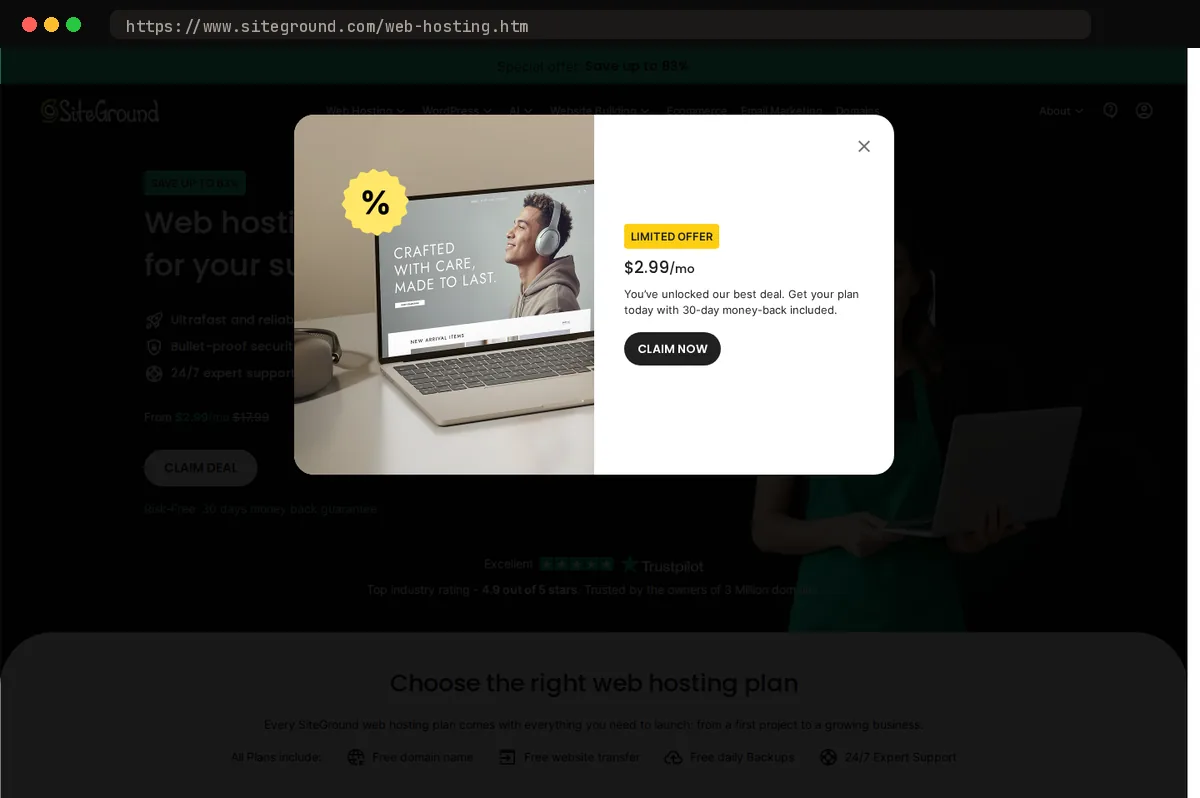
Budget pick: SiteGround. Shared hosting with WooCommerce preinstalled and a tuned caching layer, which is enough for a store with a modest catalog. The tradeoff is limited CPU headroom at checkout under load; renewal pricing is $29.99 per month (prepaid for 12 months; $4.99 per month introductory).
Also considered: Nexcess, built around WooCommerce with PHP-worker autoscaling on its Elite tier (first 24 hours each month included) and a sales performance monitor, and WP Engine's WooCommerce plans with store-specific search. Both cost more than Cloudways at comparable server sizes and neither lets you pick the cloud provider.
What WooCommerce actually needs from a host
A brochure site can hide a weak server behind full-page caching: the first visitor renders the page, everyone after gets a static copy. WooCommerce breaks that model the moment a shopper adds something to a cart. Cart, checkout, and My Account pages carry a session cookie that forces the cache to step aside, so every one of those requests hits PHP and MySQL directly. During a sale, that is most of your traffic.
So the raw application stack matters. Look for object caching with Redis or Memcached, which keeps WooCommerce's repeated option and session lookups out of the database. Confirm the host's page cache is configured to skip cart and checkout by default; a misconfigured one serves a stranger's cart, and we have seen that happen. Ask how concurrency is handled, whether PHP workers, a container's CPU allocation, or something equivalent, and what the ceiling is on your plan. Then ask how you scale past it. The right answer is a resize or vertical bump on the same server, not a migration in the middle of a promotion. This is where Cloudways earns our pick: Redis is available, its Varnish layer excludes WooCommerce's dynamic pages out of the box, and you can scale a server up without moving the site.
Round out the list with one-click staging, automated daily backups you can restore yourself, and support staff who have debugged a broken checkout before. A host that is excellent for blogs can still fail the store test.
Cloudways: managed cloud without the lock-in
Our pick sits a managed layer on top of a cloud server you choose yourself: DigitalOcean, Vultr, Linode, AWS, or Google Cloud. That structure is the whole argument. When a holiday sale is coming, you resize the server up; when January is quiet, you resize it back down. A store with seasonal demand pays for compute it uses rather than a tier label it grows into for three months a year. Entry plans on DigitalOcean start at $11 per month for 2 GB RAM, 1 vCPU, 50 GB storage, and 2 TB transfer, billed hourly, so a short burst of capacity costs a few days of a bigger server, not a plan upgrade.
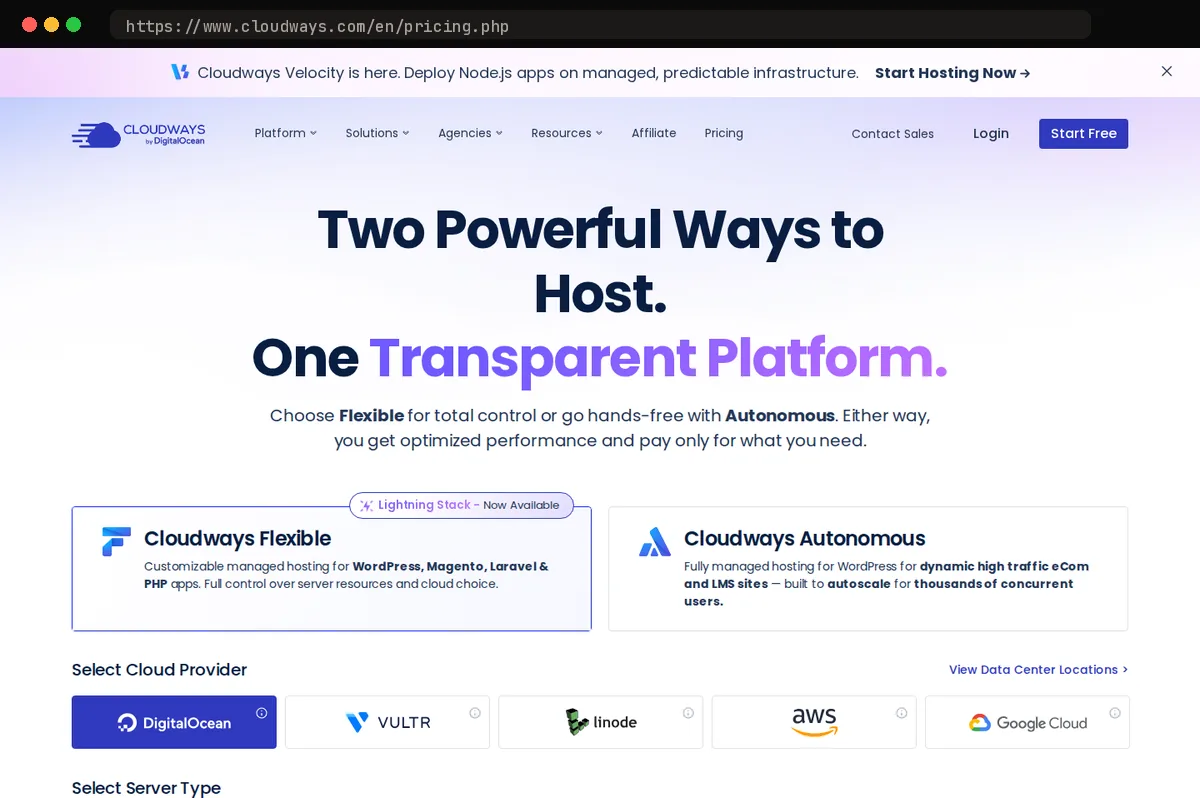
The stack arrives tuned for WooCommerce. Varnish, Redis, and object caching are installed and switched on, and the platform ships cache exclusions for cart, checkout, and my-account pages, so logged-in shoppers do not see stale baskets. There are no monthly visitor caps, and we found no banned-plugin list on Cloudways' pages to design around, which matters if your store depends on a heavy search or ERP sync plugin that other managed hosts refuse.
The tradeoff is real. Cloudways is less turnkey than Kinsta or WP Engine. The control panel assumes you are comfortable with the idea of a server: you pick the size, you decide when to scale, and you read graphs to know when. Support is responsive, but it will not make those choices for you. If you want someone else to own the infrastructure entirely, one of the fully managed hosts in this guide fits better; if you want control without running Linux yourself, this is the one we recommend.
Kinsta and WP Engine: premium managed WordPress
Kinsta is the hosting we'd point to if you want the fewest decisions after checkout. Every plan runs on Google Cloud's premium-tier network with Cloudflare Enterprise handling edge caching, DDoS protection, and the firewall, and you never configure any of it. The MyKinsta dashboard, one-click staging, and chat support are the most polished we've used in this category. Entry plans start at $35 per month ($30 per month billed annually) for a single site and a metered visit allowance, so a store that outgrows its tier gets an overage line, not a slowdown.
WP Engine delivers a comparable experience with a bigger agency and enterprise footprint, and it sells dedicated WooCommerce plans built around checkout-aware caching: cart and checkout pages bypass the cache automatically, which is the single most common thing that breaks on generic managed hosts. Plans start at $150 per month for the Essential eCommerce plan and also meter visits and bandwidth.
The tradeoffs are the same for both. Visit metering turns a traffic spike or a bot wave into a billing event, and each maintains a list of disallowed plugins (backup, caching, some security tools) that occasionally collides with what a store already relies on. Neither lets you pick your cloud provider or touch the server stack.
If handing off infrastructure entirely matters more than cost or flexibility, either is a safe choice. For most WooCommerce stores, Cloudways gives you the same managed experience with fewer meters and fewer restrictions, which is why it stays our pick.
Nexcess: built around commerce
Nexcess, the Liquid Web brand, is the one host here that was built for WooCommerce rather than retrofitted to it. The difference shows in what Liquid Web's plan page lists with every managed WooCommerce plan: automated sales monitoring, Object Cache Pro, and a plugin update tool that takes screenshots before and after each update and flags visual regressions before your checkout page breaks on a Tuesday night. Those are things most hosts leave to third-party plugins you install, pay for, and maintain yourself. Entry pricing is published on Liquid Web's Managed WooCommerce page, and the entry Pro WooCommerce tier is capped at 50,000 monthly visitors per store (no limit on orders).
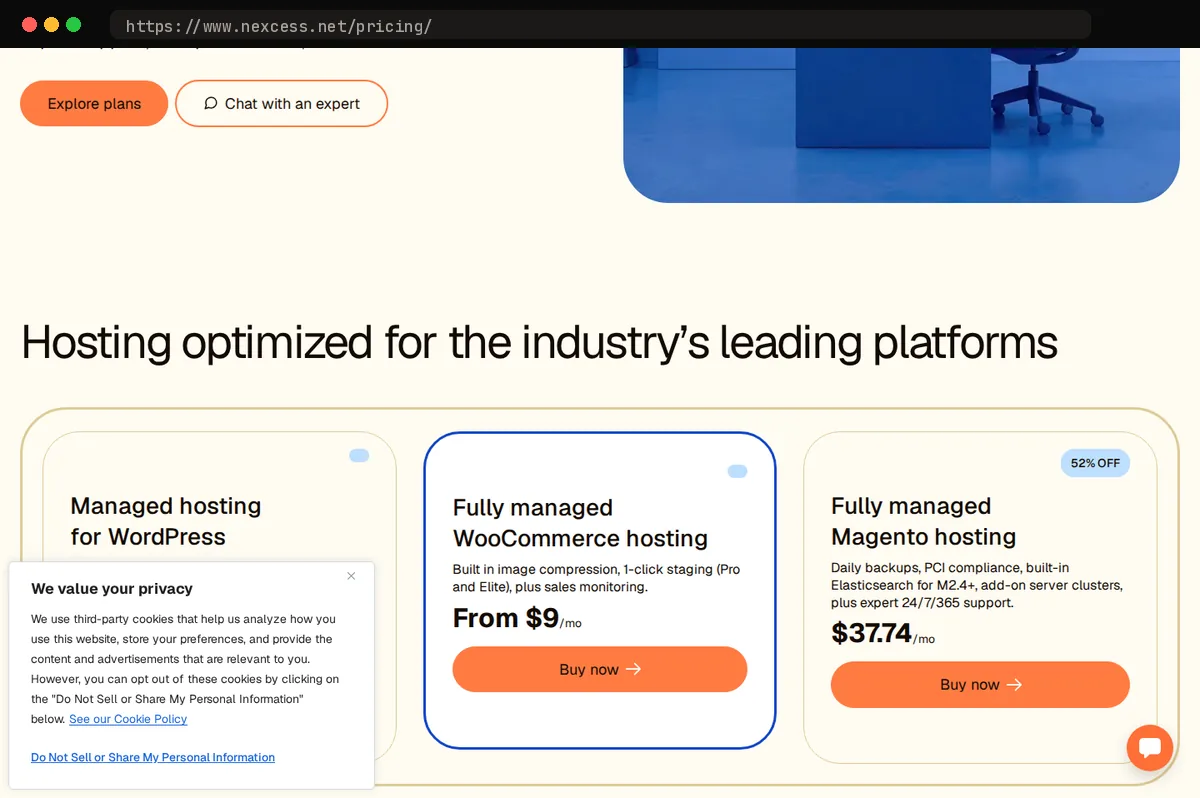
Nexcess does not bill per-visit overages on the plan allowance. A flash sale that triples your visitors moves you toward a bigger tier rather than generating a surprise invoice, which is how commerce hosting should work; the usage-based extras are autoscaling hours beyond the included allowance and CDN overage. Support is the other practical advantage: staff tend to understand order sync failures, inventory drift, and payment gateway timeouts, not just the WordPress stack underneath.
The tradeoffs are real. The dashboard is functional but less polished than Kinsta's, and scaling is step-based. You move between fixed tiers rather than adjusting resources on demand the way Cloudways allows, so a store with sharp seasonal swings pays for headroom it only needs part of the year. Our pick remains Cloudways for its flexibility and server choice, but if you want a host whose default assumption is that you sell things, Nexcess is the closest thing to a specialist on this list.
SiteGround: the budget pick
SiteGround earns the budget slot by being shared hosting that behaves better than its price class suggests. The platform runs on Google Cloud infrastructure, and the Speed Optimizer plugin handles page caching, image compression, and front-end tuning, and its 'Exclude URLs from Caching' setting (which covers both dynamic and file-based caching) lets you keep cart, checkout, and other dynamic pages out of the cache, so you are not fighting your own cache to keep stock counts and session data accurate. Daily backups are included on every plan, and its support team has a long-standing reputation for answering quickly and actually fixing things. Note the GrowBig plan is the sensible floor for a store, since the entry StartUp plan is sized for a single small site; pricing is $29.99 per month at renewal, and the introductory rate is well below what you pay at renewal, so budget on the renewal figure.
- CloudwaysFlexible – Micro$11/moOur pick1 managed cloud server, billed hourly, unlimited websites a…
- SiteGroundStartUp$24.99/mo1 website, 10 GB storage, unlimited traffic, suitable for ~…
The limits are the point of this section. SiteGround meters CPU seconds and shared resources per account, and a store that starts drawing real checkout traffic, running heavy cron jobs, or syncing inventory with outside systems will hit that ceiling. When it does, the symptom is throttling or a request to upgrade, not a slow drift you can tune your way out of.
Our advice is to treat SiteGround as a launch pad. A new or low-volume store gets a reliable foundation without a managed-cloud bill. When orders become steady and checkouts stack up, migrate to Cloudways, our overall pick, rather than stacking add-ons here. Plan the move from day one and it stays painless.
How to choose for your store
Two questions settle most of this: how many orders a day do you process, and how much server management are you willing to do?
A store doing steady, growing volume with occasional spikes (a product drop, a holiday sale, a mention that lands) gets the most from Cloudways. You resize the server when traffic climbs and scale back when it settles, and bandwidth is not metered, so a good week never turns into an overage bill. That is why Cloudways is our pick. The tradeoff is that you own the decisions: server size, cache settings, backup schedule. The panel makes those decisions easy, but they are still yours.
If your team would rather pay more and never open a server panel, Kinsta and WP Engine are the white-glove options. Both handle tuning and support for you; both charge for that, and both cap visits or bandwidth by plan, so check the limits against your real analytics before signing: Kinsta's Single 20GB plan covers 1 site, 10 GB storage, and 20 GB server bandwidth (or 35,000 visits on the visit-billed variant), and WP Engine's Essential eCommerce plan covers 1 store, up to 100,000 visits, 15 GB storage, and 125 to 200 GB bandwidth.
If you want commerce-specific tooling built into the host (automated sales monitoring, visual-regression checks on plugin updates, PHP-worker autoscaling on its Elite tier), Nexcess is built around WooCommerce rather than WordPress in general.
A brand-new or hobby store should start on SiteGround and move once cart traffic justifies it. Migrating a small store is a one-afternoon job; overpaying for a year is not.
Whatever you choose, run a staging copy and load-test checkout before committing. Checkout is where cheap hosting fails, and the sales page will not tell you.
At a glance
| Tool | Strengths | Tradeoffs |
|---|---|---|
| Cloudways | Choice of cloud provider, vertical scaling on demand, Varnish and Redis stack with WooCommerce cache exclusions, no visitor caps or plugin bans, pay-as-you-go pricing model | Less turnkey than premium managed hosts, requires comfort with server concepts, email and some add-ons cost extra |
| Kinsta | Google Cloud premium tier with Cloudflare Enterprise, polished dashboard and staging, strong support, Redis object caching available as a $100 per month per-site add-on | Metered visits and bandwidth, plugin restrictions, premium pricing climbs quickly for high-traffic stores |
| Nexcess | Purpose-built WooCommerce plans, commerce tooling such as automated sales monitoring and visual-regression plugin updates, no per-visit overages on the plan allowance, commerce-literate support | Tier-based scaling rather than fluid resizing, dashboard less refined than competitors, fewer infrastructure choices |
| SiteGround | Affordable entry point, Google Cloud infrastructure, Speed Optimizer caching plugin, free daily backups, reliable support | Shared resources and CPU limits, ceiling on checkout-heavy traffic, renewal pricing jumps after the introductory term |
| WP Engine | Dedicated WooCommerce plans with checkout-aware caching, mature agency and enterprise tooling, strong staging and dev workflow | Visitor and bandwidth caps, disallowed plugin list, among the pricier options for a mid-sized store |
Bottom line
Cloudways is our pick for most WooCommerce stores because it pairs managed infrastructure with a real choice of cloud providers, and you scale by resizing the server rather than migrating hosts. Object cache and Varnish are included on the standard managed stack, which is where WooCommerce sites usually lose time first. Entry plans start at $11 per month.
The main caveat: Cloudways is managed hosting, not hands-off hosting. You still own plugin updates, staging discipline, and PHP tuning, and support covers the platform rather than your theme or checkout bugs. If you want someone else to carry all of that, a fully managed WordPress host costs more and does less, but it asks less of you.
Related guides
This article contains affiliate links. We may earn a commission on qualifying purchases at no extra cost to you. Our recommendations are independent and research-driven, and we say when a pick is not hands-on.
Test Picked Editorial
Edited by Adam Ryan. Gear picks come from equipment running in his own homelab and workshop. Software picks are researched comparisons.


