Bambu Lab P1S vs A1: Which Should You Buy in 2026?
DisclosureThis article contains affiliate links. We may earn a commission at no cost to you. Learn more
If you're choosing between Bambu's two flagship FDM printers, the call comes down to one question: do you need an enclosed chamber? The P1S is the answer if you print ABS, ASA, or any carbon-fiber-filled material — its enclosed CoreXY design holds chamber temperature and includes filtered exhaust. The A1 is the answer if you stick to PLA and PETG and want a quieter, simpler printer with full-auto bed leveling.
I run a P1S in my homelab and lean on it for the materials the A1 simply can't handle. The standalone A1 saves about ~$100 over the standalone P1S, but the more interesting comparison is at the ~$399 price point: that gets you either a P1S standalone or an A1 + AMS Lite combo. The choice there is enclosed-chamber capability vs. multi-color out of the box.
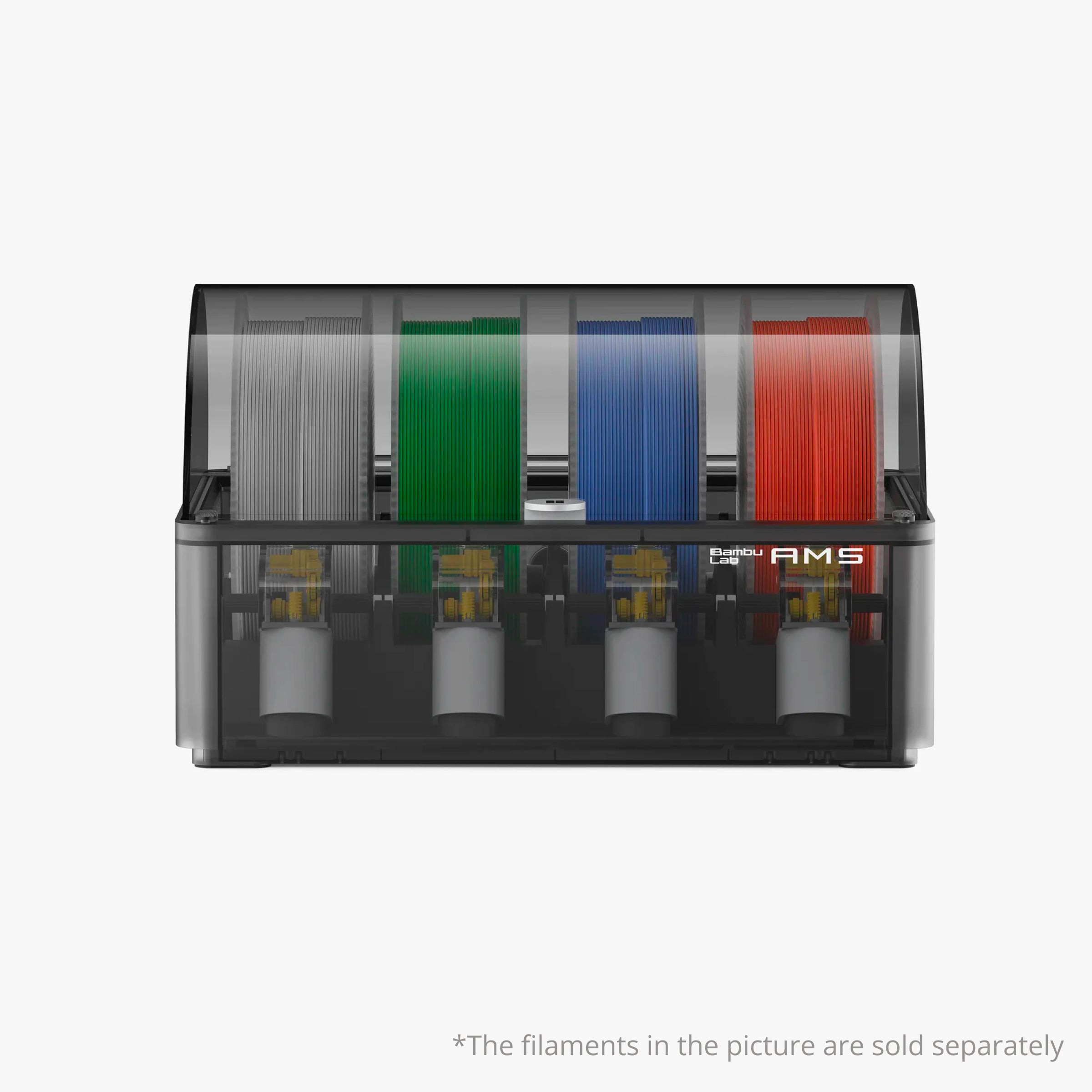
Note on the bundles. The P1S + full AMS combo (printer plus the 4-spool AMS) is still available at store.bambulab.com at a higher price — that's the bundle for true 4-color printing on day one without buying the AMS separately. The A1 also ships with an optional A1 + AMS Lite combo at ~$399, which is the same price as the P1S standalone.
Quick Comparison
| Feature | Bambu Lab P1S | Bambu Lab A1 |
|---|---|---|
| Price (standalone) | ~$399 | ~$299 |
| Price (with included AMS variant) | P1S + AMS combo at Bambu Lab store | A1 + AMS Lite combo ~$399 |
| Rating | 4.8/5 | 4.7/5 |
| Frame | Enclosed CoreXY | Open bed-slinger |
| AMS | AMS-compatible (4-spool, sold separately) | AMS Lite-compatible (4-spool, sold separately) |
| Materials | PLA, PETG, ABS, ASA, ASA-CF, PA | PLA, PETG, TPU |
| Best For | Engineering-grade prints | Quiet, easy PLA printing |
Bambu Lab P1S

Bambu Lab P1S
The Bambu Lab P1S also features active chamber control, ensuring that the internal temperature remains stable throughout the printing process. This is crucial when working with materials like ABS and ASA, as they require precise temperature control to avoid warping or other issues. Additionally, the filtered exhaust system helps keep your workspace clean by removing harmful fumes.
One downside of the Bambu Lab P1S is its larger footprint compared to the A1, which may be a concern if you have limited space for your printer. Another minor inconvenience is that it doesn't come with Bambu's auxiliary part-cooling fan kit, meaning you'll need to purchase this separately if you want enhanced cooling capabilities.
Get this if you're looking for a robust 3D printer capable of handling a wide range of materials and requiring precise temperature control. Skip this if space constraints are an issue or if you prefer a more compact setup that includes all necessary components out-of-the-box.
Bambu Lab A1
Bambu Lab A1
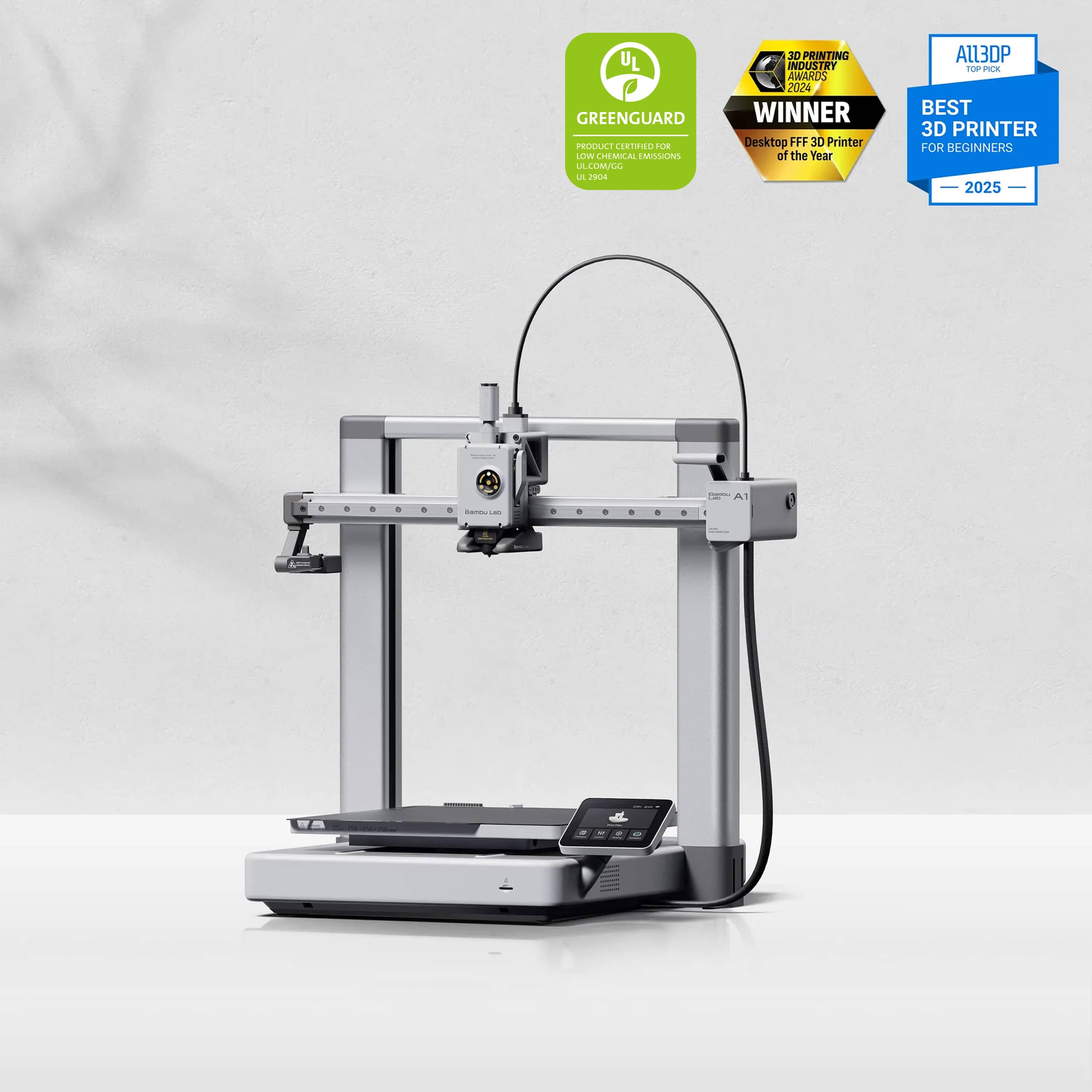
One of the standout features of the A1 is its quiet operation. Most prints stay under 50 dB, which means you can print in your home without disturbing others or yourself. This makes it ideal for those who need to work or sleep while their printer runs. The bed-slinger design also ensures that the bed leveling process is fully automated, eliminating the need for manual adjustments and saving time.
The AMS Lite compatibility adds another layer of versatility by allowing you to print with four different colors in a single session. This can be particularly useful if you're looking to create multi-colored prints or test out various color combinations without having to switch filaments manually.
However, there are some drawbacks to consider. The open-frame design means that the A1 is not suitable for printing materials like ABS or ASA, which require an enclosed environment to prevent warping and ensure consistent results. Additionally, while the filament path on AMS Lite is short, TPU can still be tricky to print due to its flexibility and tendency to clog.
Get this if you need a quiet printer with full-auto bed leveling and want to experiment with multi-color prints. Skip this if you frequently print materials like ABS or ASA that require an enclosed environment.
The Verdict
For most buyers, the P1S is the safer pick — it's about ~$100 more than the A1 standalone, but that buys you an enclosed chamber that opens up engineering-grade materials (ABS, ASA, carbon-fiber blends), full AMS support for true 4-color prints when you add it later, and active chamber temperature control. If you'll only ever print decorative PLA, the A1 is genuinely good — quieter, simpler, full-auto bed leveling out of the box. But the moment you want to print a part for your car or a structural enclosure, the A1 hits a wall the P1S doesn't. And if you have ~$399 to spend, the A1 + AMS Lite combo gets you 4-color PLA today, while the P1S standalone keeps the option open to add multi-material later when you want it.
Who Should Buy the Bambu Lab P1S
Pick the P1S if you print engineering materials (ABS, ASA, ASA-CF, PA), want full multi-material capability, or care about chamber temperature stability and filtered exhaust.
Who Should Buy the Bambu Lab A1
Pick the A1 (or the A1 + AMS Lite combo at ~$399) if you mostly print PLA or PETG, value quiet operation and full-auto bed leveling, and don't care about printing in an enclosed chamber. At ~$299 standalone, the A1 is also the cheapest way into the Bambu ecosystem if you want to start small and add the AMS Lite later.
Frequently Asked Questions
Can the Bambu Lab P1S print with TPU?
Yes, the Bambu Lab P1S can print with TPU, but it requires additional cooling. The base package does not include a cooling fan kit, so you'll need to purchase one separately. This is essential for ensuring that your prints don't warp or deform due to TPU's flexibility and heat sensitivity. If you plan on printing TPU frequently, the investment in a cooling fan kit is worthwhile.
Is the Bambu Lab A1 suitable for printing ABS?
No, the Bambu Lab A1 is not suitable for printing ABS. Its open frame design makes it challenging to maintain the consistent temperature required for ABS and ASA prints. The A1 is limited to PLA and similar materials that don't require a heated enclosure or precise temperature control. If you need to print with ABS, consider upgrading to a printer like the Bambu Lab P1S, which has an enclosed build chamber.
These answers should provide clear guidance on material compatibility for both printers.
As an Amazon Associate, I earn from qualifying purchases.